

Starter guide
Your first steps with ROLA
Everything for your first day with ROLA: what to prepare, what’s in the box and the four setup steps. Once ROLA is charged, setup and pairing usually take a few minutes.

- 3 hoursFirst charge
- 4 stepsQuick setup
- About 30 sStart-up time
Prepare
Before you begin
- Before first use, charge ROLA for about 3 hours. On battery it supports about 3 hours of continuous interaction, and it can also run on external power.
- Have your Wi-Fi network name and password ready.
- Install the AMORIA app on your iPhone or Android phone. Get the app
- ROLA products are delicate robotic systems. Place the product on a stable indoor surface and follow all setup and care instructions.
In every package
What's in the box
Everything you need to get started with your KOIBOT.
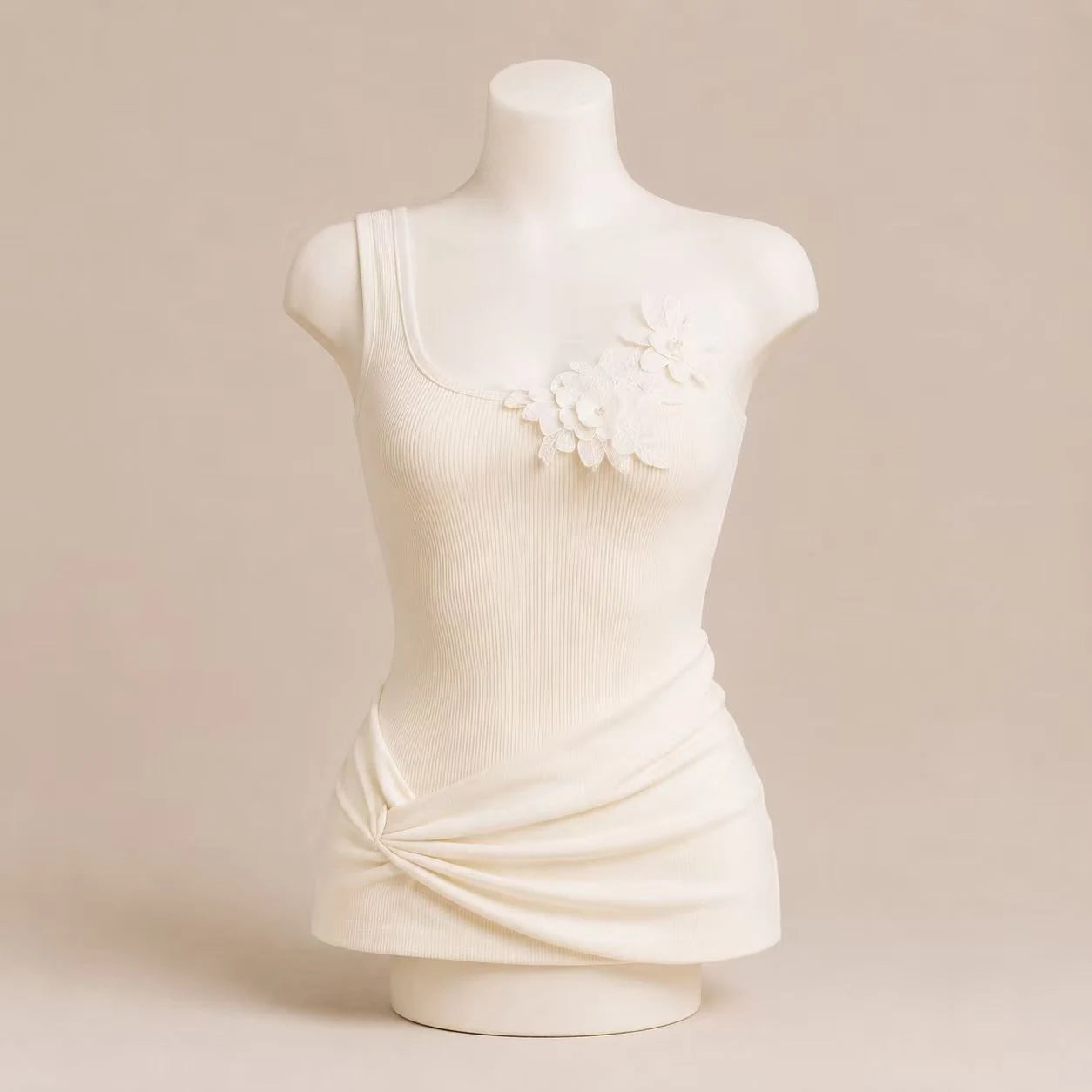
Basic Clothing
A basic outfit for your ROLA
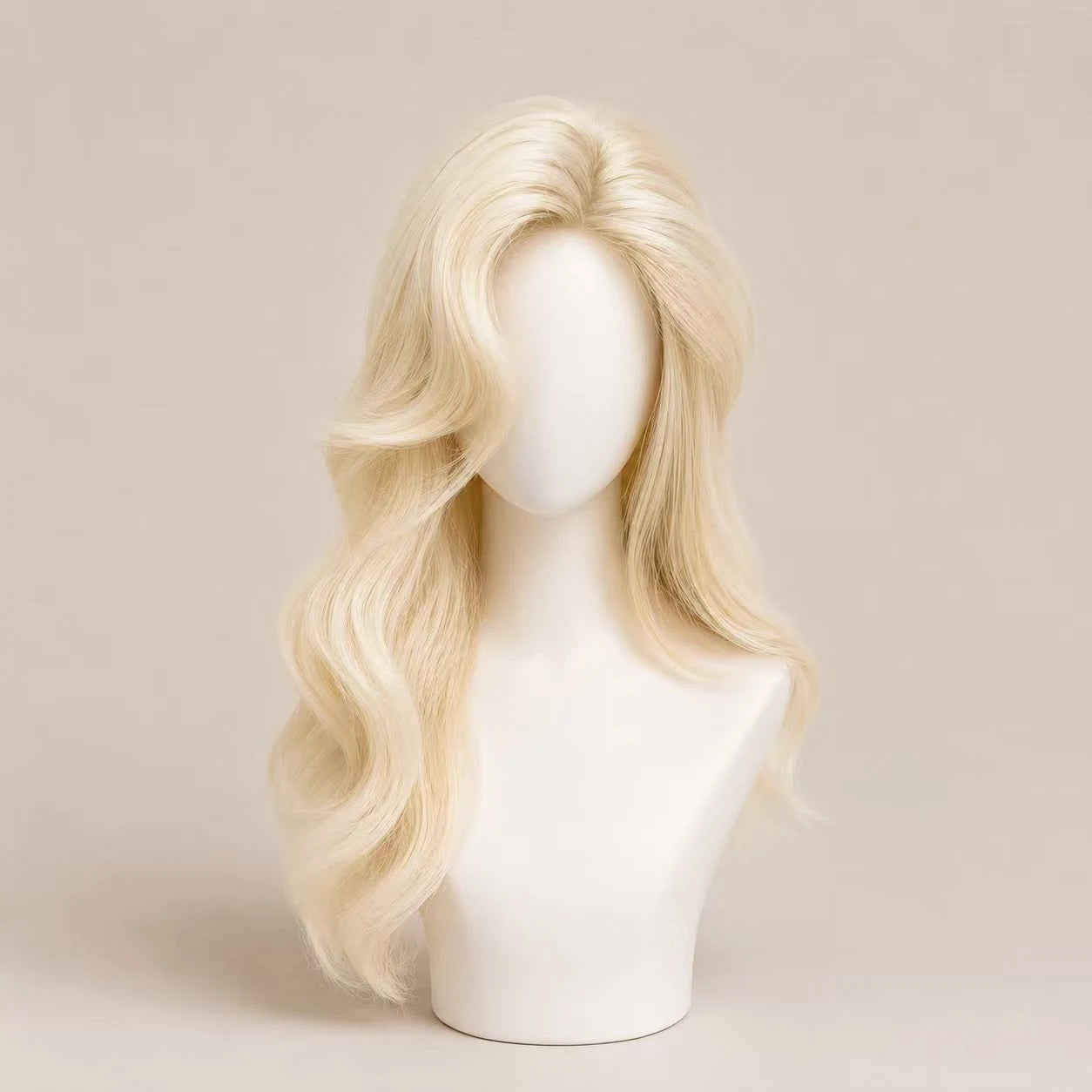
Wig
Styled hair for your ROLA

Mechanical Connector
Connects the Smart Head and body

White Gloves
Premium gloves for careful handling

Comb
Gentle hair maintenance

Care Brush
For gentle surface care
The clothing shown is an example; the supplied clothing style may change.
Getting started
Set up ROLA in four steps.
-
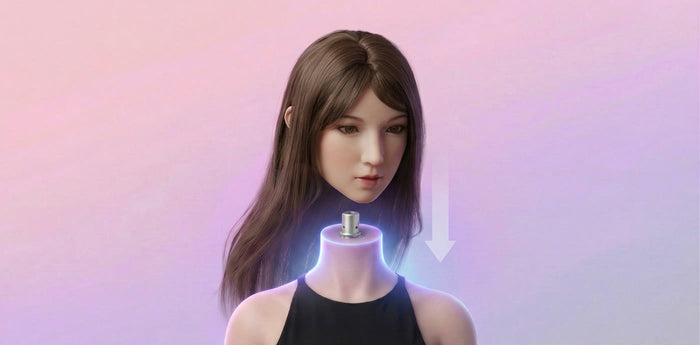 01
Attach the Smart Head
Connect the mechanical connector and insert the Smart Head into the neck socket. -
02
Charge & power on
Connect the power adapter and charge the device. Press the power button and wait about 30 seconds for start-up.Adapter light: red while charging, green when fully charged. -
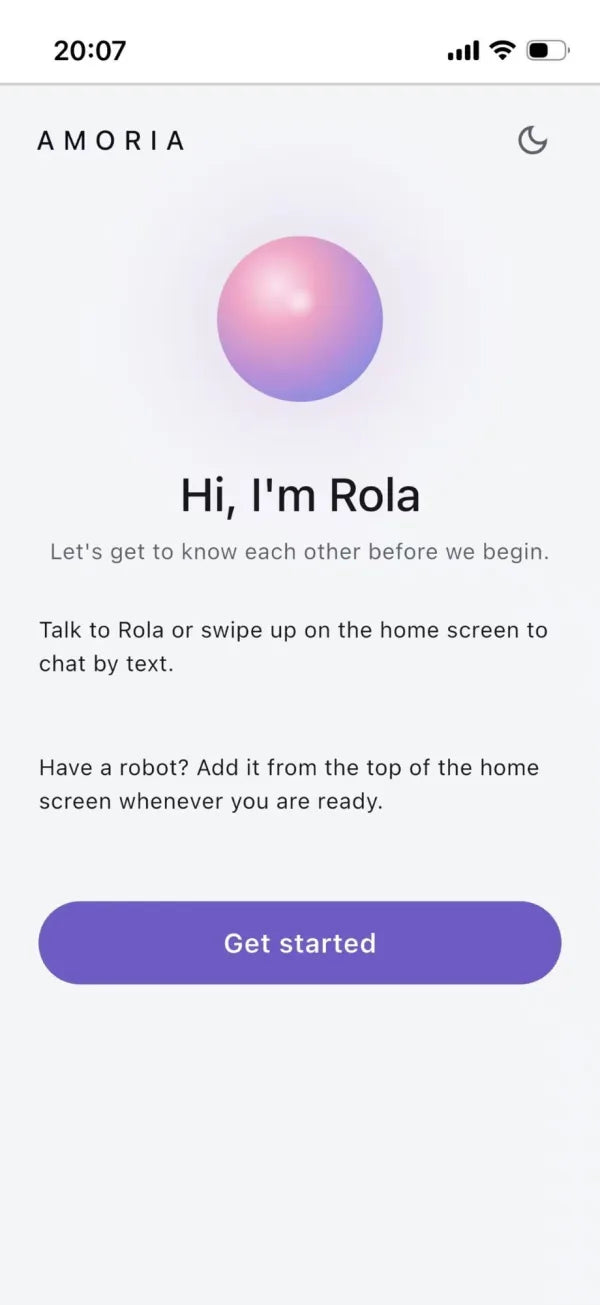 03
Download the app
Install the AMORIA app from the App Store (iOS) or Google Play (Android), then open it and create your account. -
 04
Connect & start talking
In the app, add your robot by scanning the QR code supplied with your ROLA. Then set up Wi-Fi over Bluetooth: pick your network and send its password to ROLA from the app.When pairing is complete, ROLA greets you and you can start talking.


Get the AMORIA app
Free for iPhone and Android. Set up ROLA, talk by voice or text, and manage what ROLA remembers.
Open the download pageCare
Everyday care
- Wipe ROLA with a dry, soft cloth only. Do not use alcohol, solvents or abrasive cleaners.
- Recharge when the battery runs low. For long storage, keep it about half charged in a cool, dry place.
- Keep ROLA on Wi-Fi and install updates when the app prompts you.
- Keep ROLA indoors, away from extreme heat, cold and high humidity.
Troubleshooting
If something isn’t working
- ROLA does not turn on
- Connect the power adapter, charge for at least 20 minutes and try again.
- ROLA is offline
- If your Wi-Fi has changed, update ROLA’s Wi-Fi in the AMORIA app.
- The app cannot find ROLA
- Turn on Bluetooth on your phone, stay close to ROLA and check that ROLA is switched on.
- The app stops responding
- Restart the Smart Head, then close and reopen the AMORIA app.
Still need help?
AI answers anytime · our team 9:00–21:00 Japan time (JST, GMT+9), every day · email replies within 2 business days